1. はじめに
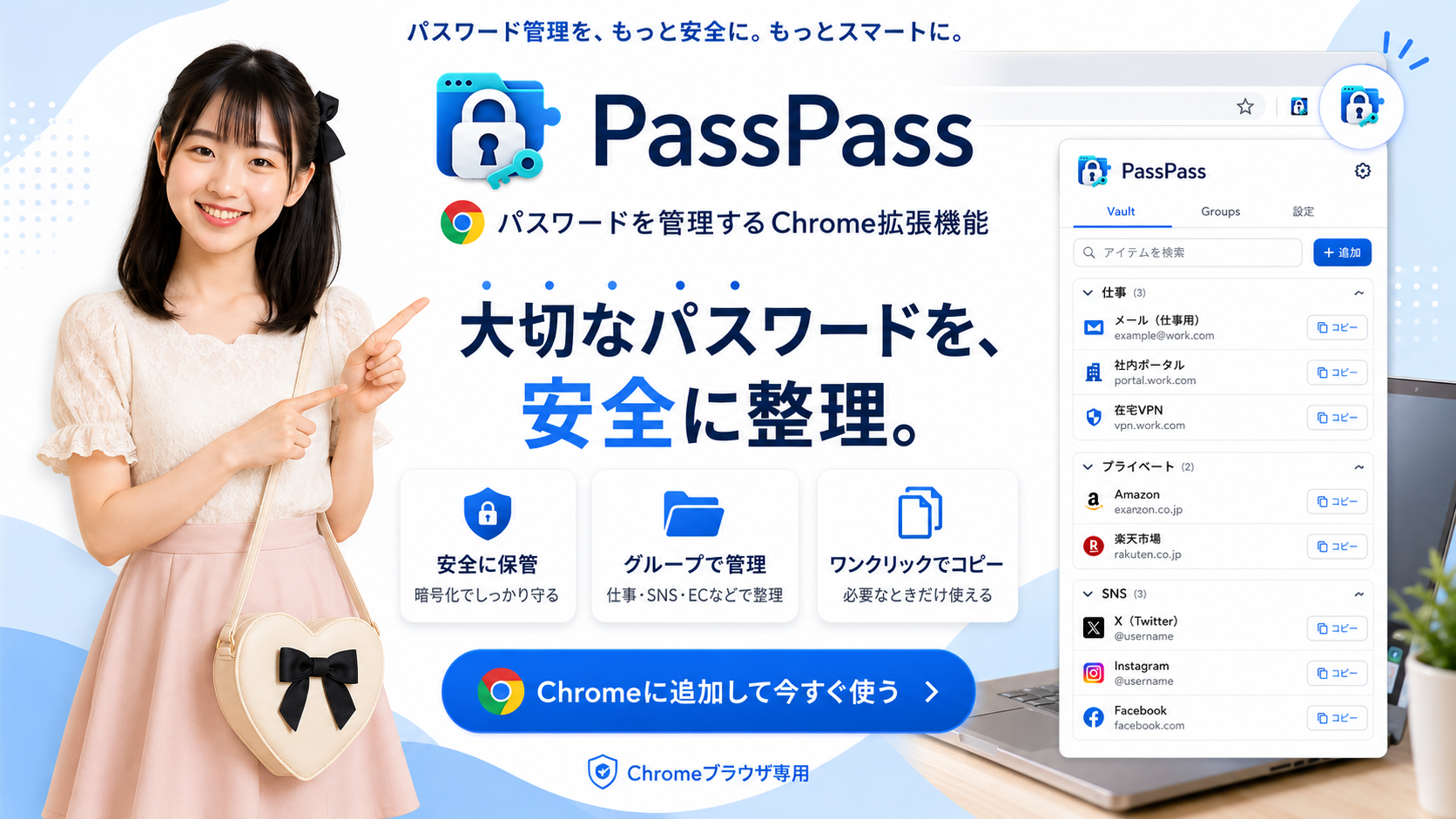
本プライバシーポリシーは、Chrome拡張機能「PassPass」(以下「本拡張機能」)におけるユーザーデータの取扱いについて説明するものです。本拡張機能は、ユーザーが入力したログイン情報等を、ユーザー自身のChrome環境内で保存・管理するためのパスワード保管庫です。
2. 本拡張機能が取り扱う情報
本拡張機能は、ユーザーが自ら入力した次の情報を取り扱います。
- サービス名
- ID、ユーザー名、メールアドレス
- パスワード
- URL
- その他備考
- グループ名
- 二段階認証の有無および認証方法
- ユーザーが自由に追加した項目(暗証番号、第二パスワード、口座番号等)
- 本拡張機能の設定(言語、同期、自動ロック等)
入力内容によっては、認証情報、個人情報、金融情報その他の機密情報が含まれる場合があります。本拡張機能は、閲覧履歴、表示中のウェブページの内容、Cookie、位置情報、広告識別子を収集しません。
3. 情報の利用目的
本拡張機能は、取り扱う情報を次の目的にのみ使用します。
- 資格情報を保存、表示、編集、検索および削除するため
- 資格情報をグループに分類するため
- ID、パスワードおよび追加項目をクリップボードへコピーするため
- ユーザーが登録したURLを開くため
- ユーザーが選択した場合に、同じChromeプロフィールを利用するデバイス間で暗号化データを同期するため
- ユーザーの操作によりバックアップまたは平文テキストを書き出すため
- 自動ロックおよび自動解除などの設定を提供するため
本拡張機能は、ユーザーデータを広告、マーケティング、プロファイリング、信用評価その他上記以外の目的には使用しません。
4. 保存場所および同期
同期設定がOFFの場合、保管庫データは chrome.storage.local を使用して現在の端末内に保存されます。
同期設定がONの場合、暗号化された保管庫データは chrome.storage.sync を使用して、同じGoogle Chromeプロフィールを利用するデバイス間で同期されます。この同期処理はGoogle Chromeによって提供され、Googleによるデータの取扱いにはGoogleのプライバシーポリシーが適用されます。
本拡張機能の開発者が運営する外部サーバーへ、保管庫データを送信することはありません。
5. 暗号化およびセキュリティ
保管庫に保存されるサービス名、ID、パスワード、URL、備考、二段階認証情報、グループおよび追加項目は、Web Crypto APIを使用してAES-256-GCM方式で暗号化されます。
暗号鍵は、マスターパスワードからPBKDF2-SHA-256により導出されます。マスターパスワード保護が有効な場合、開発者はマスターパスワードを受け取らず、復元することもできません。
「ロックしない」またはマスターパスワード保護OFFを選択した場合、本拡張機能は次回起動時の自動解除のために必要な情報を chrome.storage.local に保存します。この設定は利便性を高める一方、端末へアクセスできる第三者に対する保護を弱めます。
いかなる保存方式にも絶対的な安全性はないため、ユーザーは端末、Googleアカウントおよび書き出したファイルを適切に保護する必要があります。
6. 平文テキストおよびバックアップの書き出し
ユーザーが「平文テキストで書き出す」を実行した場合、資格情報は暗号化されていないテキストファイルとしてユーザーが選択した保存先へ書き出されます。
平文ファイルにはパスワード、暗証番号その他の機密情報が含まれる場合があります。本拡張機能は、書き出し前に警告を表示します。書き出したファイルの保存、共有および削除はユーザーの責任で管理されます。
暗号化バックアップを選択した場合は、暗号化された保管庫データがJSONファイルとして書き出されます。
7. 第三者への提供
開発者は、ユーザーデータを販売、貸与または広告目的で第三者へ提供しません。
本拡張機能は、同期が有効な場合に限り、ユーザーが選択した機能を提供するためGoogle Chrome Syncを利用します。法令により要求される場合を除き、その他の第三者へユーザーデータを提供しません。
8. 人によるデータ閲覧
開発者は、本拡張機能に保存された資格情報へアクセスできず、人が閲覧することもありません。本拡張機能には、資格情報を開発者へ送信する機能はありません。
9. データの保持、変更および削除
データは、ユーザーが各資格情報を削除するか、保管庫を初期化するまで保存されます。
ユーザーは本拡張機能から、保存情報の表示、変更、削除および保管庫の初期化を行えます。Chrome Sync上のデータ保持および拡張機能削除後の処理は、ChromeおよびGoogleアカウントの仕様に従います。
10. 子どものプライバシー
本拡張機能は、子どもを対象として設計されたものではありません。開発者は、子どもの個人情報を意図的に収集しません。
11. Chrome Web Store User Data Policyへの準拠
本拡張機能によるGoogle APIおよびChrome拡張機能APIから取得した情報の利用は、限定利用要件を含むChrome Web Store User Data Policyに準拠します。
ユーザーデータは、本拡張機能の明示された単一目的である資格情報の保存・管理・同期機能を提供するためにのみ使用されます。ユーザーデータをパーソナライズ広告、リターゲティング広告または興味関心に基づく広告に使用しません。
12. 本ポリシーの変更
本ポリシーは、本拡張機能の機能変更、法令またはChrome Web Storeポリシーの変更に応じて改定される場合があります。重要な変更がある場合は、公開ページまたは本拡張機能の更新情報により通知します。
13. お問い合わせ
開発者: Benriweb
問い合わせ先: https://ws.formzu.net/fgen/S768994542/
1. Introduction
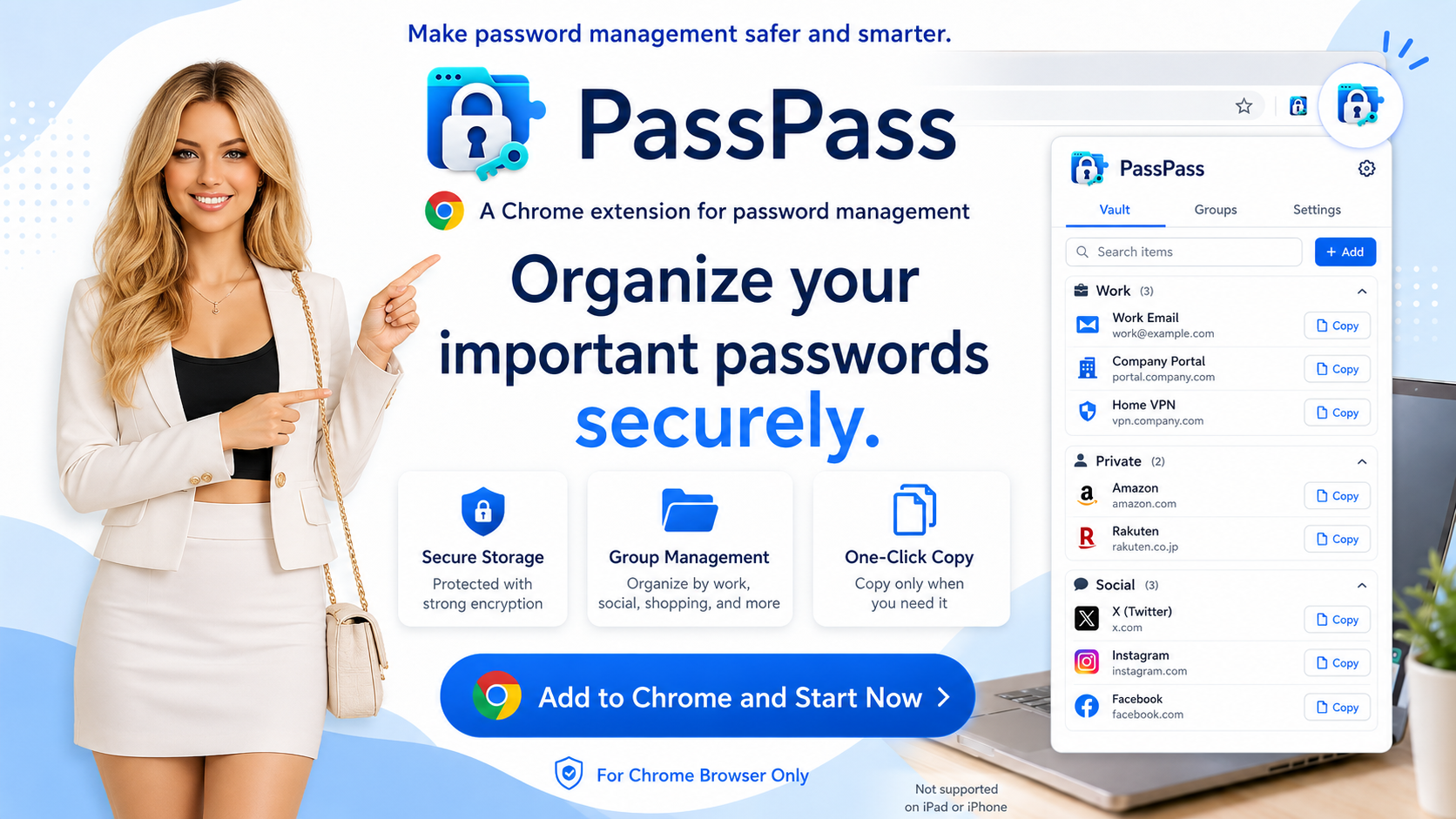
This Privacy Policy explains how the Chrome extension “PassPass” (“the Extension”) handles user data. The Extension is a password vault that allows users to store and manage information they enter within their own Chrome environment.
2. Information Handled by the Extension
The Extension handles the following information voluntarily entered by the user:
- Service names
- IDs, usernames, and email addresses
- Passwords
- URLs
- Notes
- Group names
- Two-factor authentication status and methods
- User-defined fields, such as PINs, secondary passwords, and account numbers
- Extension settings, such as language, synchronization, and auto-lock preferences
Depending on the information entered, this data may include authentication information, personally identifiable information, financial information, or other sensitive information. The Extension does not collect browsing history, webpage content, cookies, location information, or advertising identifiers.
3. How Information Is Used
The Extension uses the handled information only to:
- Store, display, edit, search, and delete credentials
- Organize credentials into groups
- Copy IDs, passwords, and custom fields to the clipboard
- Open URLs entered by the user
- Synchronize encrypted data between devices using the same Chrome profile when the user enables synchronization
- Export an encrypted backup or plain-text file at the user's request
- Provide settings such as auto-lock and auto-unlock
The Extension does not use user data for advertising, marketing, profiling, credit assessment, or any purpose unrelated to the features described above.
4. Storage and Synchronization
When synchronization is disabled, vault data is stored on the current device using chrome.storage.local.
When synchronization is enabled, encrypted vault data is synchronized between devices using the same Google Chrome profile through chrome.storage.sync. This synchronization service is provided by Google Chrome, and Google's handling of such data is governed by the Google Privacy Policy.
Vault data is not transmitted to any external server operated by the developer.
5. Encryption and Security
Service names, IDs, passwords, URLs, notes, two-factor authentication information, groups, and custom fields stored in the vault are encrypted using AES-256-GCM through the Web Crypto API.
The encryption key is derived from the master password using PBKDF2-SHA-256. When master-password protection is enabled, the developer does not receive and cannot recover the user's master password.
If the user selects “Never lock” or disables master-password protection, the Extension stores information required for automatic unlocking in chrome.storage.local. This improves convenience but reduces protection against anyone who can access the device.
No storage method can guarantee absolute security. Users are responsible for appropriately protecting their device, Google account, and exported files.
6. Plain-Text and Backup Exports
When the user selects “Export Plain Text,” credentials are written without encryption to a text file at a location selected by the user.
The plain-text file may contain passwords, PINs, and other sensitive information. The Extension displays a warning before export. The user is responsible for storing, sharing, and deleting exported files securely.
When the user selects the encrypted backup option, encrypted vault data is exported as a JSON file.
7. Sharing with Third Parties
The developer does not sell, rent, or share user data with third parties for advertising purposes.
When synchronization is enabled, the Extension uses Google Chrome Sync solely to provide the synchronization feature selected by the user. User data is not otherwise disclosed to third parties unless required by applicable law.
8. Human Access to Data
The developer cannot access credentials stored in the Extension, and no person reviews such data. The Extension does not include a feature that sends credentials to the developer.
9. Data Retention, Modification, and Deletion
Data is retained until the user deletes individual credentials or resets the vault.
Users can view, modify, and delete stored information or reset the vault from within the Extension. Retention of synchronized data and processing following removal of the Extension are governed by Chrome and the user's Google account settings.
10. Children's Privacy
The Extension is not designed for children. The developer does not knowingly collect personal information from children.
11. Compliance with the Chrome Web Store User Data Policy
The use of information received from Google APIs and Chrome extension APIs complies with the Chrome Web Store User Data Policy, including the Limited Use requirements.
User data is used solely to provide the Extension's disclosed single purpose: storing, managing, and synchronizing credentials. User data is not used for personalized, retargeted, or interest-based advertising.
12. Changes to This Policy
This Policy may be updated in response to changes to the Extension, applicable laws, or Chrome Web Store policies. Material changes will be announced on the published policy page or in the Extension's release information.
13. Contact
Developer: Benriweb
Contact: https://ws.formzu.net/fgen/S768994542/